Uber drivers: scout a busy zone before you drive there
Forty minutes across town on a rumour of a surge is a gamble you take with your own fuel. Looking first costs nothing.
7 min readUpdated
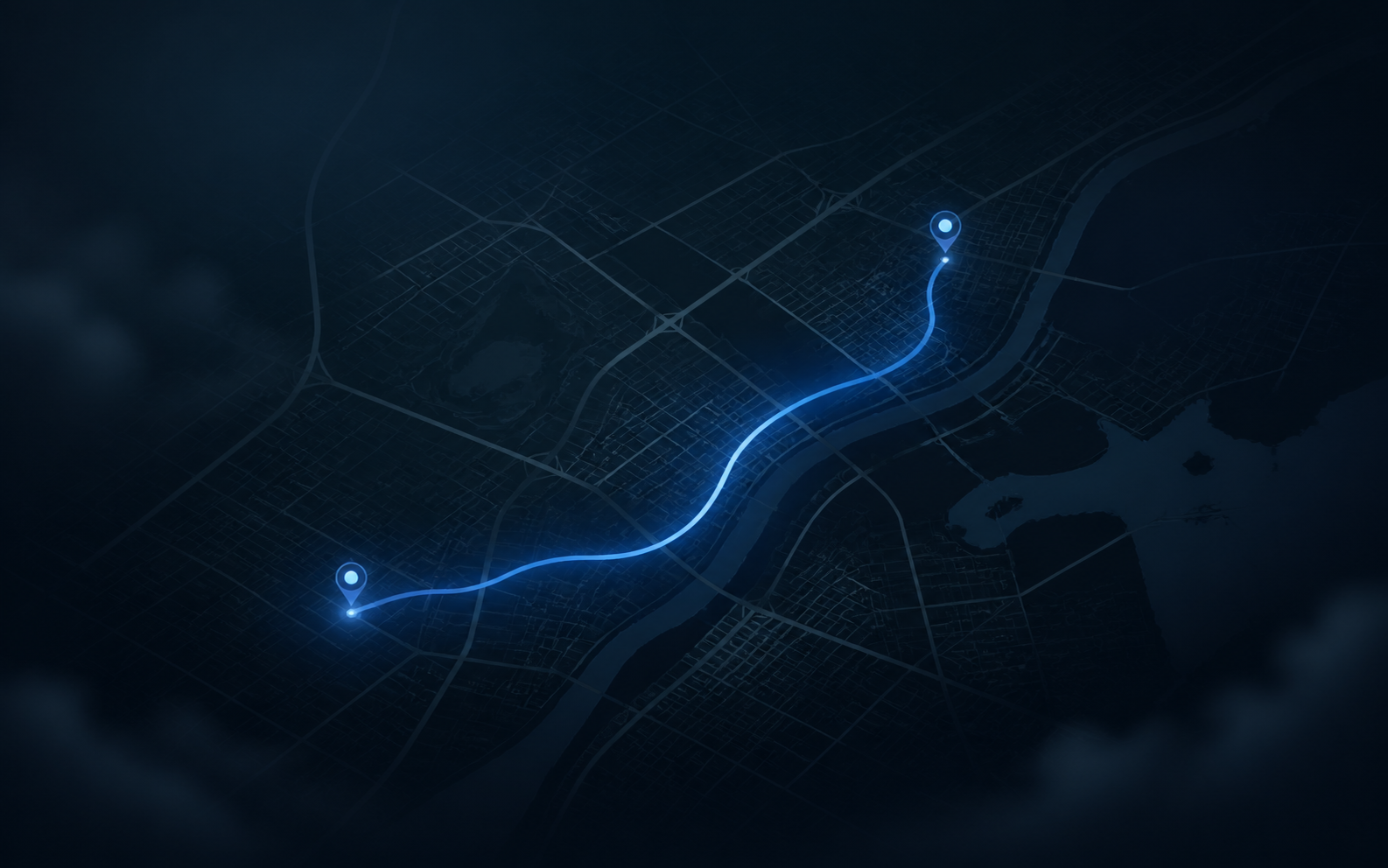
Somebody in the driver group says the airport is going off. It is thirty-five minutes away. Gas is not free and neither is your evening. By the time you arrive the surge has moved to the other side of town and you have paid for the information with a tank.
Scouting from your Mac is the same question asked cheaply. You change the location your iPhone reports, open the driver app, and look at the map for that area before you commit the drive. Read the whole thing though, because there is a real limit to this and it sits about halfway down the page.
What you can actually see
The driver app draws its heat map, promotions, and zone information around wherever it thinks you are. Put yourself in a different part of the city and it redraws for there.
Useful things that show up:
- Whether the surge or promotion zone anyone is talking about is genuinely lit up.
- How large it is. A tiny hotspot is a different bet than half a district glowing.
- Which direction it is spreading, if you check twice ten minutes apart.
- Whether an area you have never worked has any activity at the hours you are free.
Ten minutes of that on a slow Tuesday teaches you more about your market than a month of guessing, and it costs a coffee’s worth of time rather than a tank of fuel.
Reading a heat map without fooling yourself
Surge is a response to something that already happened. By the time a zone is glowing, drivers are already moving toward it, and the incentive that drew them exists precisely to pull enough cars in to make it go away. Chasing it across a city is a well-known way to arrive after the thing you were chasing has ended.
What scouting is good for is the pattern rather than the moment. A zone that lights up at the same hour on the same nights is information you can plan around. A zone that is orange right now is a coin flip you will lose about half the time, minus the fuel.
What it takes
GhostMe is a Mac app that changes the location your connected iPhone reports. Requirements, once and plainly:
- A Mac. This does not run from the phone by itself.
- A USB cable for the first pairing. Wi-Fi works after that, on the same network.
- Developer Mode on the iPhone: Settings, Privacy & Security, Developer Mode, on, then a restart.
Nothing is installed on the phone, iOS is not modified, and Stop & Restore Location or a restart puts everything back.
Looking at a zone
- Connect the iPhone to the Mac, unlock it, tap Trust.
- In GhostMe, click the map where you want to look.
- Set the location.
- Force-quit the driver app on the phone and reopen it so it re-reads position.
Force-quitting matters. These apps cache the map aggressively and swiping back into a backgrounded app will often show you the old view for a while.
The part that matters
This is a way to look. It is not a way to work from somewhere you are not.
Uber’s terms do not allow going online from a location you are not at, and their systems weigh more than the coordinate you report. Accepting a trip you cannot physically reach ends in a cancellation, a rider who waited, and a hit to your own numbers. There is no version of that which works out for you.
Said plainly about the tool: GhostMe changes the location iOS reports. It does not change dispatch, it does not change your ratings, and it does not defeat fraud or safety systems. What any individual app does with a changed coordinate is that app’s decision.
The honest use here is reconnaissance. Look at the zone, decide whether it is worth the drive, restore your real location, and then actually drive there.
A routine that pays for itself
Pick three or four zones you could plausibly work: the airport, the stadium area, the entertainment strip, the business district. Check each one at the times you normally drive and write down what you saw. Do that for a week.
What comes out of it is a personal map of when your city is actually busy, which is different from the version circulating in the group chat and different again from what the app tells you in the moment. Most drivers work from folklore. A week of notes beats folklore.
The same approach works for delivery, where the zone decision is even more consequential because the trips are shorter. See how Dashers check a delivery zone without driving to it.
The zones worth learning first
Airports have a queue and a wait, and the number that matters is not how busy it looks but how long the queue is against the fare you get at the end of it. Stadium and venue areas are predictable to the minute because events end on a schedule, and they are the easiest thing to plan around. Business districts are a weekday morning and evening story and dead in between. Entertainment strips run late and are the only zone where the last two hours of the night are the good ones.
Those four cover most cities. Checking each of them a handful of times tells you which two are worth your normal hours, and that is a decision you make once rather than every shift.
Common questions
Can I go online in a zone I am not in?
Against Uber’s terms, and a bad idea besides. You cannot reach the trip. Use this to look, then drive.
Does the driver app know my location changed?
Rideshare platforms look at multiple signals and make their own determinations. Nobody outside the company can tell you what triggers what, and any guide claiming to know is guessing.
Does a VPN do this?
No. A VPN moves your IP address, not your GPS. The full breakdown is in fake GPS on iPhone: what actually works in 2026.
Do I need to jailbreak the phone?
No. See changing your iPhone location without jailbreaking.
Will it stay changed after I unplug?
No. The location holds while the session is connected. Disconnect or restart and real GPS returns, which is what you want before you start driving anyway.
What does it cost?
One license covers one Mac. Map search and the device check work before you pay.
Keep reading
- How Dashers check a delivery zone without driving to itEvery Dasher has a friend who swears the next town over is better. Twenty minutes of gas later, you find out. Or you look first.
- How to change your location for location-based gamesThe mechanics are simple. The consequences are not. Read the second half before you decide the first half is worth it.
- How to change your location on Find My using a MacFind My gives you two settings: sharing on, sharing off. If you want a third option, you have to change what the phone reports.