How to change your location on Uber Eats
Ordering for a parent across the country, or for the hotel you land at tonight? You need a different address, not a different GPS location.
6 min read
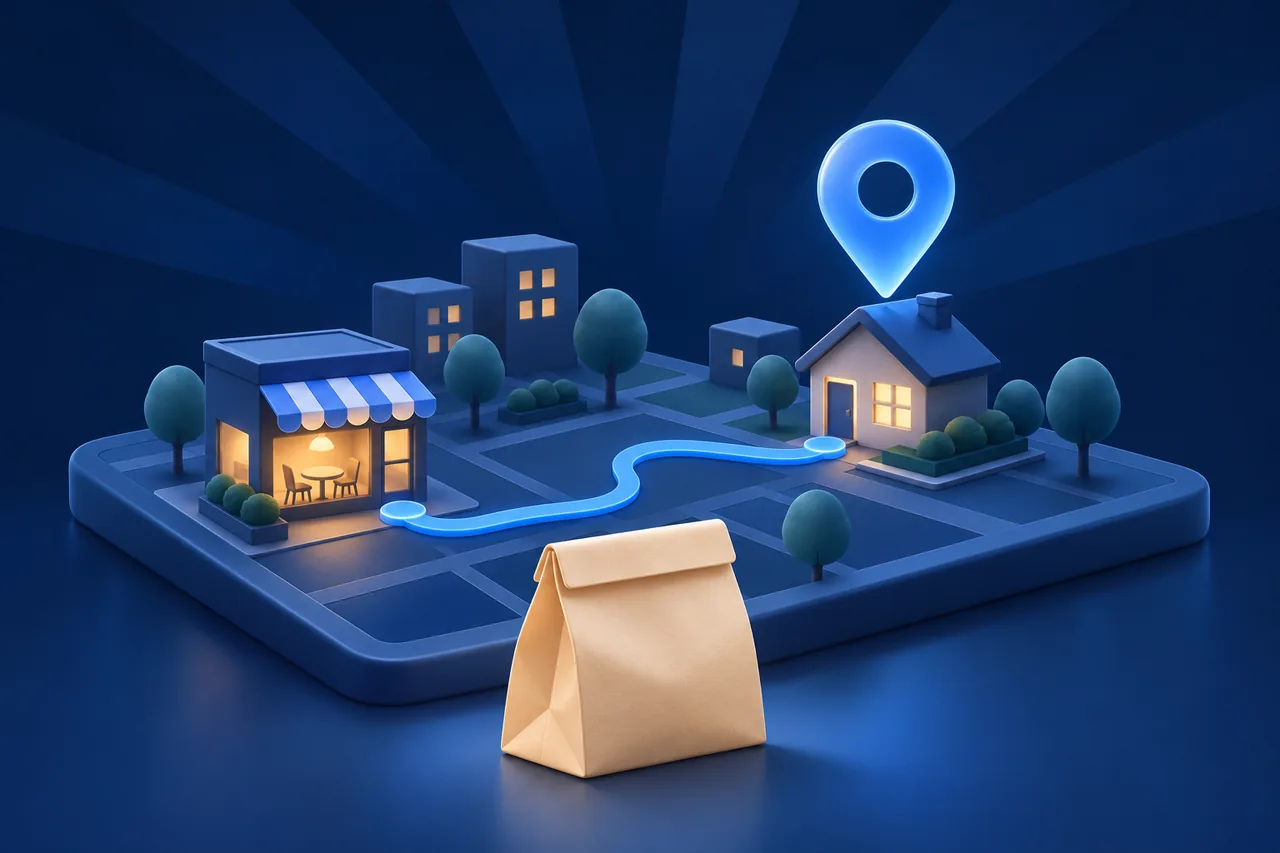
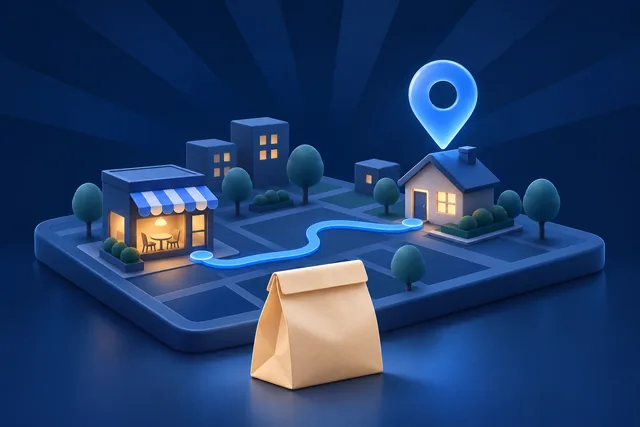
On Uber Eats, the location that counts is the delivery address on the order. Your phone’s GPS helps the app suggest nearby places and fill in a starting address, but the courier drives to the address you enter. So when you want to order for somewhere else, such as a parent in another city, the office, or the hotel you reach tonight, change the address. You do not need to change your phone location.
Change the address before you order
- Open Uber Eats.
- Tap the delivery address at the top of the home screen.
- Pick a saved place or search for a new address.
- Add the details the courier needs: apartment number, building name, and drop-off instructions.
- Confirm. The restaurants and stores now match the new address.
The list of restaurants changes because each one delivers to a limited area. A place you order from at home may not appear at the new address, and that is normal.
Save addresses you use often
Under Account, open your account details and go to Saved Places. Set Home and Work, and add others, such as a family member’s house. Then a change takes two taps.
Change the address on an active order
Uber’s help centre says you may be able to change the address in the app while the courier has not yet picked up the order.
- On the order progress screen, tap Help.
- Tap Change my address.
- Enter the new address and follow the prompts.
The delivery fee can change with the new distance. If the new address is outside the restaurant’s delivery area, Uber cannot move the order, and the order has to be cancelled.
After pickup, message or call the courier from the order screen. The courier decides whether they can take the order to the new address.
Change the address on a scheduled order
You can edit a scheduled order while its status is “Order sent to the restaurant”, which means the restaurant has not accepted it yet. Tap Edit order and change the address or time. When the order is in progress, you can only cancel it, not edit it.
This is the best way to order for a place you will be later, such as your hotel. Schedule the order for after you arrive, with the hotel address and your room number in the instructions.
When the phone location matters
The courier follows the address, not your GPS dot, so for normal ordering, change the address. The phone location only matters in a few cases:
- The app suggests the wrong starting address because GPS is off or inaccurate.
- You use the “current location” option and want it to be right.
- You want to see what is available in a city before you travel there.
For the first two, check that Uber Eats has location permission in iPhone Settings, under Privacy & Security, Location Services, and turn on Precise Location. For the third, you can simply enter an address in that city.
If you test how many location-aware apps behave in another city at once, you can change the iPhone location itself with GhostMe on a Mac. It needs a USB cable for the first pairing and Developer Mode on the iPhone. See the iPhone location simulator page and supported devices. It does not change where an order goes. The address does that.
Drivers and couriers have different questions. See Uber drivers: scout a busy zone before you drive there.
Common problems
A restaurant disappeared after I changed the address
The new address is outside its delivery area. Choose a closer restaurant.
“Change my address” is missing
The courier probably has the order already. Contact them from the order screen, or use Help for other options.
The pin is on the wrong side of the building
Move the pin when you confirm the address, and write clear drop-off instructions. Large buildings and new streets often need both.
The app keeps returning to my current location
Select the saved address again before you order. Check the address on the checkout screen every time.
Common questions
Can I order food for someone in another city?
Yes. Enter their address, add their name and phone number in the instructions if the courier needs to reach them, and pay as usual.
Will the courier follow my live location?
No. The courier goes to the delivery address on the order.
Does a VPN change Uber Eats results?
No. The results come from the delivery address. A VPN changes your IP address only. See fake GPS on iPhone: what actually works.