VPN vs GPS location on iPhone: two different locations
Your iPhone has two locations at the same time. One belongs to your network connection, the other to the phone. Most confusion starts there.
6 min read
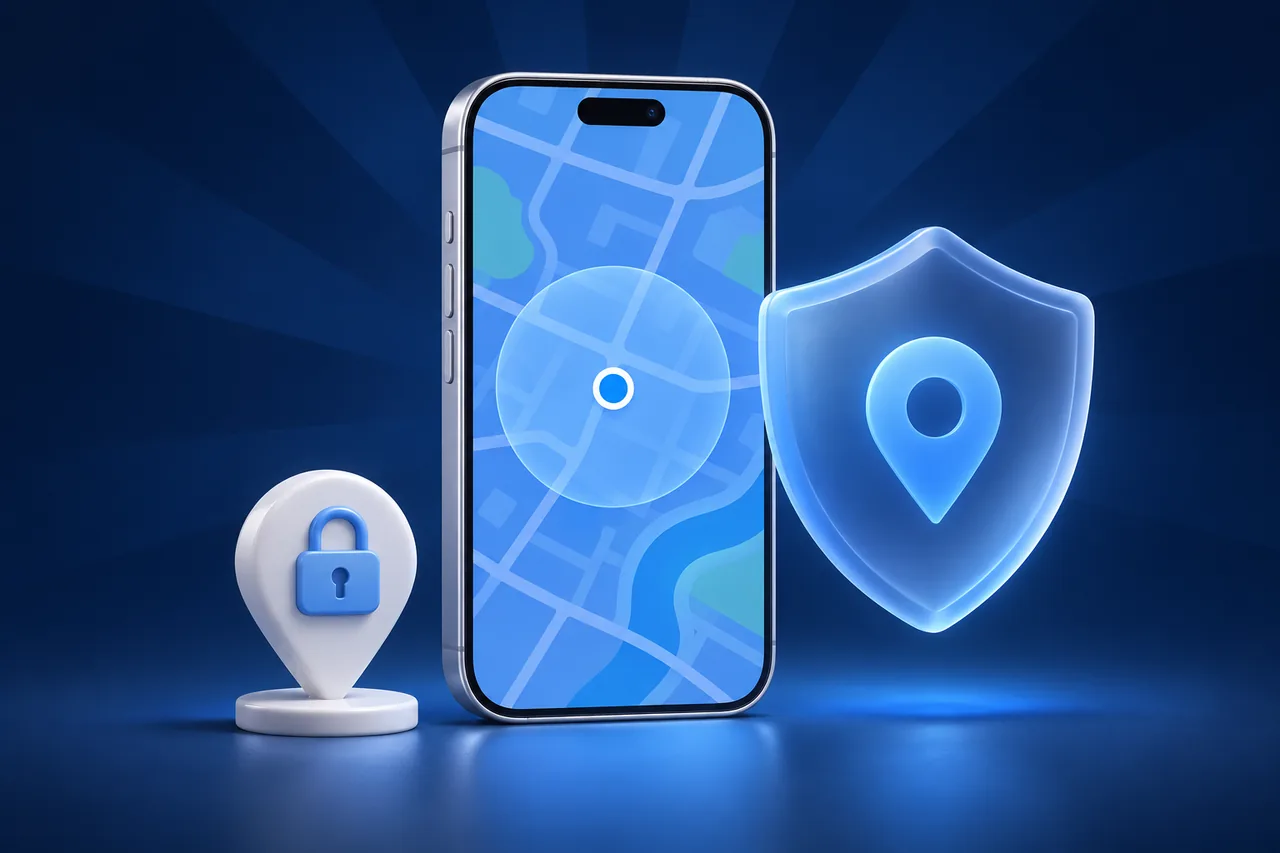
Your iPhone has two locations at the same time, and they come from different places. One is your IP location: a guess about where your internet connection comes out, which websites and servers see. The other is your device location: the position iOS works out from GPS, Wi-Fi, and cell towers, which apps get only when you give them permission. A VPN changes the first one. It does not touch the second.
Most “my VPN does not work” complaints come from mixing these up. This guide explains which apps read which location and how to check both.
IP location: what a VPN changes
Every connection to the internet has a public IP address. Databases map those addresses to a rough area, usually a city or a region. When you connect through a VPN, websites see the VPN server’s address instead of yours, so the area moves to wherever that server is.
Apple’s own iCloud Private Relay works on the same layer. Apple says Private Relay can keep a general location so you still get local content, or use only your country and time zone. Either way, the change is to the IP address, as About iCloud Private Relay explains. Neither setting moves your device location.
IP location affects things like these:
- Which country version of a website or streaming catalog you see.
- The default region for search results in a browser.
- Prices and language on some shopping sites.
- Security checks that flag a sign-in from an unusual country.
Device location: what apps ask for
Device location comes from Location Services. Apple says it combines GPS with nearby Wi-Fi hotspots, cell towers, and Bluetooth, and that each app must ask before it gets access. You control that access per app in Settings, Privacy & Security, Location Services. Apple describes the system in About privacy and Location Services.
Device location is what these use:
- The blue dot in Apple Maps and Google Maps.
- Find My, Life360, and Snap Map.
- Weather for “my location”, ride-hailing pickup, and delivery apps.
- Dating app distance, and most location-based games.
This is why a VPN set to another country does not move your pin on a map. The map does not look at your IP address. It asks iOS where the phone is.
When the two disagree
Some apps check both and compare them. A streaming app can see a device location in one country and an IP address in another, and decide not to play. A bank can see a VPN address and ask for extra verification. Life360 lists VPNs as something that interferes with location accuracy in its support pages.
So a VPN can cause problems even when you do not want to change your location at all. If an app shows an odd region or refuses to load, turn the VPN off and test again before you change anything else.
How to check each one
- IP location:open Safari and search for “what is my IP”. The result shows the address and an approximate city. Try it with the VPN on and off.
- Device location: open Apple Maps and tap the location arrow. This is the position apps with location permission receive.
If the two match your real area, nothing is moved. If only the first changes with the VPN, that is normal.
Changing the device location
iOS has no setting that lets you type in a different device location. The supported way to override it is the developer location simulation Apple built for testing apps, which needs a Mac. Xcode can do it, and so can GhostMe, which lets you pick a spot on a map or play a route. The iPhone needs Developer Mode and a first connection by cable. Check supported devices before you start.
A simulated device location does not change your IP address. If an app checks both, it can still see where your network really is. A comparison of methods, including why App Store “GPS changers” do not exist, is in fake GPS on iPhone: what works.
Common questions
Does a VPN hide my location from Find My or Life360?
No. Those apps use device location from Location Services. A VPN changes how your traffic reaches the internet, not what the phone reports. To control what those apps show, use their sharing settings. See Find My showing the wrong location for how Find My picks a device.
Can websites in Safari get my GPS location?
Only if you allow it. Safari asks before a website gets your device location, and you can change the answer in Settings, Apps, Safari. Without that permission, a website sees only your IP location.
Does turning off Location Services hide my IP location?
No. They are independent. With Location Services off, apps cannot read your device location, but every server you connect to still sees your IP address.
Why does my phone show the wrong city with no VPN?
IP databases are often wrong, especially on mobile data, where a carrier can route traffic through a city far away. If Apple Maps is right, your device location is fine. Only the IP guess is off.